
Asking AI the Same Question Every Day? How Longbridge AI Scheduled Tasks Work
Readers who check the same kind of information every day can hand the question to Longbridge AI Scheduled Tasks: pick a built-in template once, and the US Market Morning Brief runs at 8am each trading day while the Post-Close Holdings Summary runs 30 minutes after the Hong Kong close. One-off follow-ups or new questions still need a manual question in the conversation. Suited to Longbridge users who follow markets at fixed times.
Asking AI "how did US stocks do overnight?" every single morning? Longbridge AI Scheduled Tasks turn that repeated question into a task you set up once and receive on time.
On Monday around eight, you open the chat box and type the question. On Tuesday, same time, same question. On Wednesday, once more. The question itself is simple; doing it by hand every day is the burden. LongbridgeAI 1.5 (released on 23 October 2026) adds scheduled tasks, so Longbridge AI moves from "ask once, answer once" to running automatically on a daily, weekly or monthly rhythm, or at market moments such as the open and the close, with results delivered through the Message Center.
This article covers when each of the four built-in templates runs and what it contains, how to set up a task or write your own, and the allowance and availability points worth knowing before you start.
Key Takeaways
- Scheduled tasks move Longbridge AI from "ask once, answer once" to running automatically on a daily, weekly or monthly rhythm, or at the open and the close, with results sent to the Message Center.
- Four built-in templates match four viewing rhythms: US Market Morning Brief, Pre-Market Highlights, Post-Close Holdings Summary and Weekly Portfolio Review.
- The US Market Morning Brief runs at 8am each trading day, the two Hong Kong templates run 30 minutes before the open and 30 minutes after the close, and the weekly review runs on Saturdays at 9am.
- You can add a template in one click, or write what you want the AI to do and then choose a repeat cycle or market moment.
- The number of tasks you can create depends on your plan, and each automatic run uses allowance like a regular question.
- Task results are AI-generated, for reference only and not investment advice, so key figures should still be checked against original disclosures.
What Are Longbridge AI Scheduled Tasks?
A scheduled task has Longbridge AI complete a question automatically at a time you set, and sends the result to the Message Center. Conversations used to be "ask once, answer once": to see the same content every day, you retyped the question every day. A scheduled task hands that step to Longbridge AI, so once it is set up, you only need to read the result.
Run times fall into two kinds: fixed times that repeat daily, weekly or monthly, and market moments such as the open and the close. The second kind fits how people follow markets, because trading sessions have clear markers. In Hong Kong, according to HKEX's published securities market trading hours, the pre-opening session starts at 9am and continuous trading begins at 9.30am, while the closing auction session starts at 4pm and ends with a random close between 4.08pm and 4.10pm. Tying a task to those markers means the morning report and the closing summary no longer depend on you remembering to ask.
Compared with asking by hand, scheduled tasks suit anything you look at in the same form every day. For a one-off follow-up on a particular stock, or a different question, you still return to the conversation, and the two can be used together.
Further reading: Is Your AI Still Watching the Market After You Switch Off? Four Broker Options Compared for 2026, which compares whether each broker's option keeps monitoring once you switch off.
When Does Each of the Four Built-in Templates Run?
The four built-in templates match four viewing rhythms: overnight US stocks in the morning, pre-market news before the Hong Kong open, portfolio performance after the Hong Kong close, and a weekly look back at the portfolio.
| Template | Run time | What it summarises or reviews |
|---|---|---|
| US Market Morning Brief | 8am each trading day | The previous trading day's US market moves |
| Pre-Market Highlights | 30 minutes before the Hong Kong open, each trading day (Monday to Friday) | Pre-market news and unusual moves |
| Post-Close Holdings Summary | 30 minutes after the Hong Kong close, each trading day (Monday to Friday) | The day's portfolio performance and attribution |
| Weekly Portfolio Review | Saturdays at 9am | This week's portfolio performance and key changes |
The run times in the table follow how the templates are labelled in the interface; the settings you see there take precedence.
US Market Morning Brief: A One-Page Overview of Overnight US Stocks
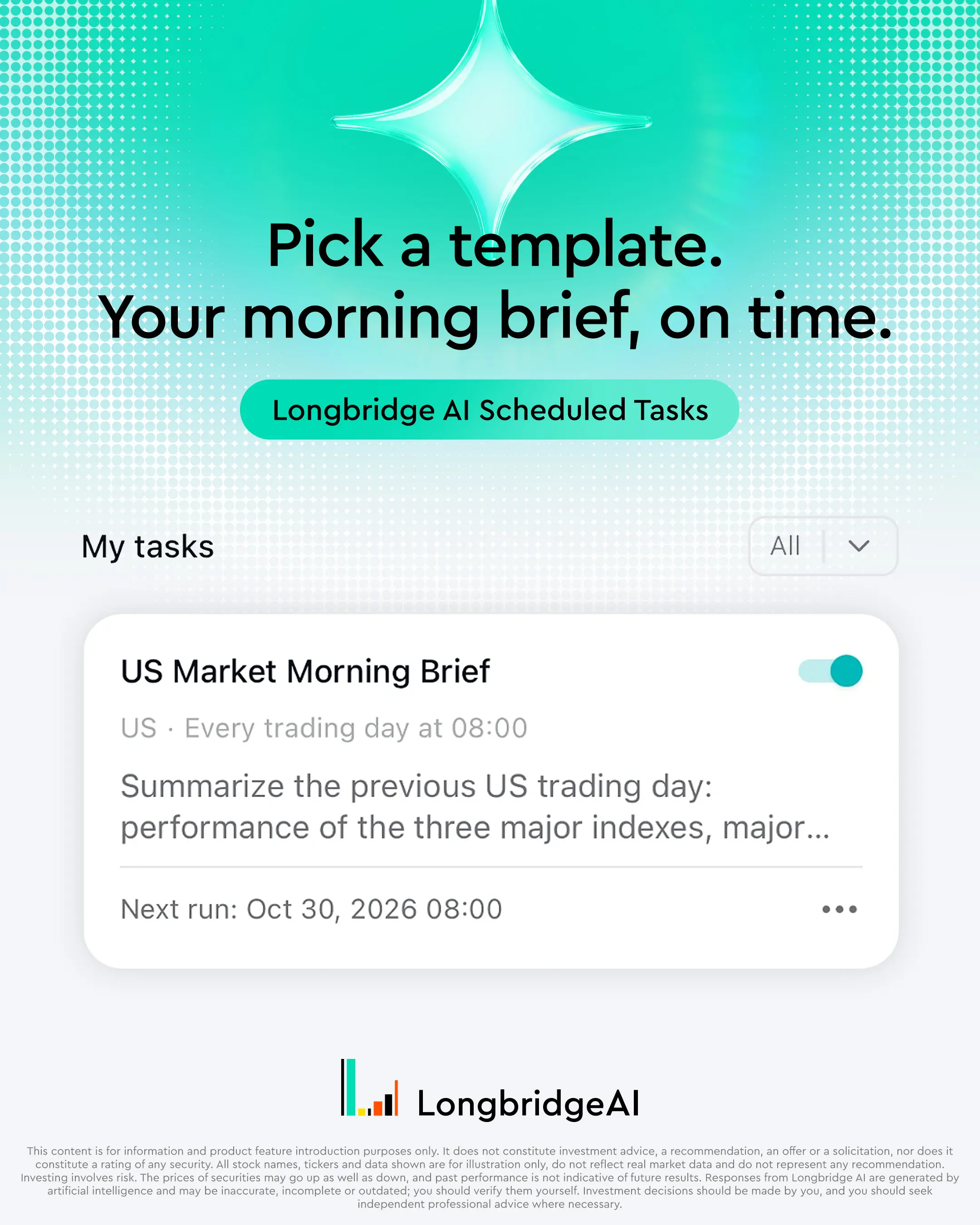
Longbridge AI's "US Market Morning Brief" turns the previous trading day's US market moves into a report in a fixed format.
- What it covers: The task recaps the previous US trading day: the three major indexes, key sector moves, notable stock movers, and macro data and Fed news, among other items. The report opens with the level and percentage change of the Dow Jones Industrial Average, the Nasdaq Composite and the S&P 500, with a footer giving the quote source and the US Eastern close time.
- Who it suits: Readers who like to catch up on overnight US stocks first thing in the Asian morning.
- Worth noting: What the report contains is as shown after each run.
Further reading: Which AI Tool Should You Use for Market News Summaries and Daily Briefings?, which compares how several tools produce daily briefings.
Pre-Market Highlights: News and Unusual Moves Before the Hong Kong Open
Longbridge AI's "Pre-Market Highlights" gathers pre-market news and unusual moves before the Hong Kong open.
- What it covers: It puts pre-open news and unusual moves into one report, so you can skim it in a few minutes before the open.
- Timing: It runs 30 minutes before the open. The interface shows the date and time of the next run, for example 9am, which matches the start of HKEX's pre-opening session.
- Who it suits: Readers who hold or follow Hong Kong stocks and want a quick pass over the news before the open.
- Worth noting: The report is generated at its run time, so news that appears afterwards is not included; you can ask about it in the conversation.
Post-Close Holdings Summary: The Day's Performance and Attribution
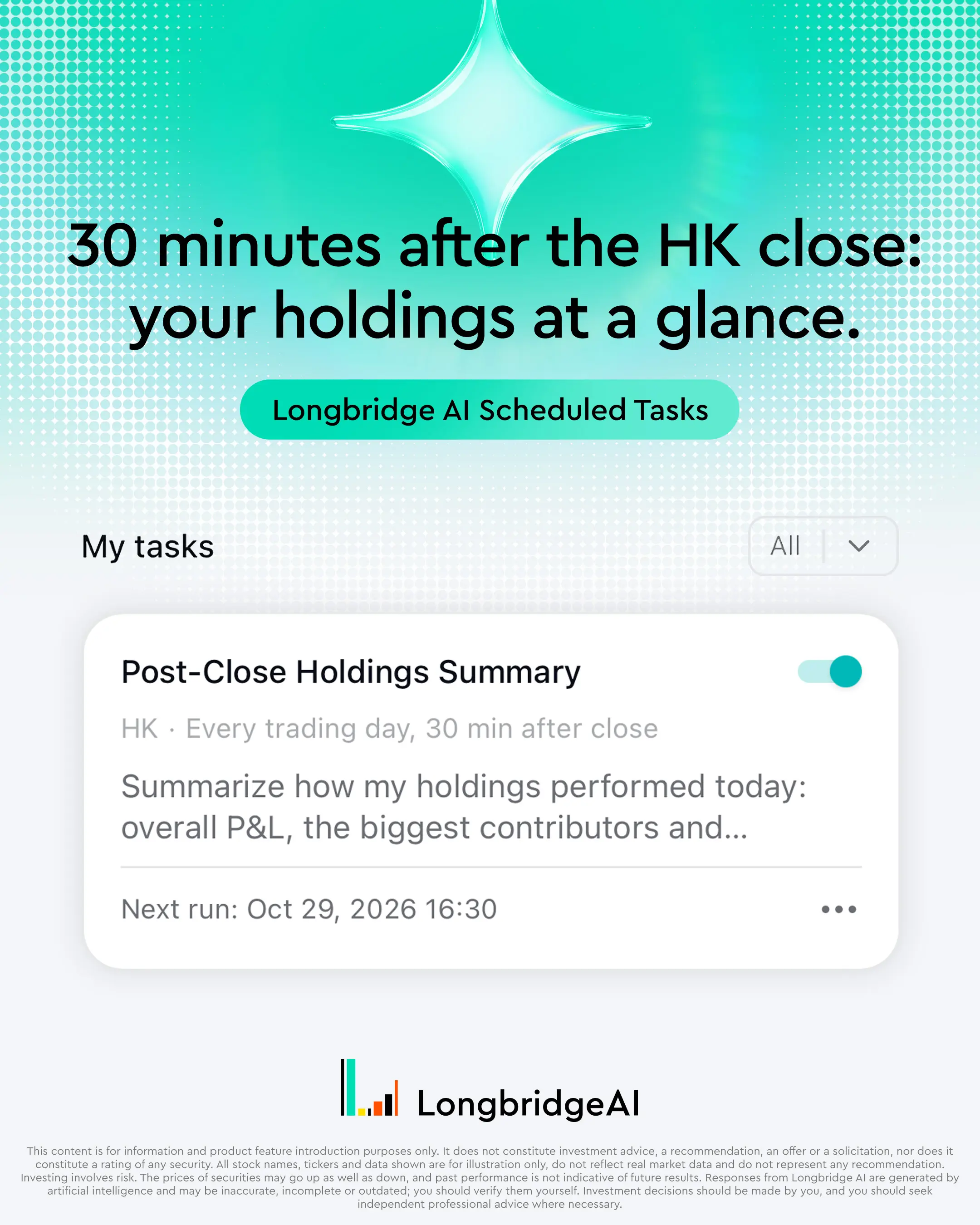
Longbridge AI's "Post-Close Holdings Summary" reviews the day's portfolio performance and attribution after the Hong Kong close.
- What it covers: It summarises the day's holdings: overall profit and loss, the biggest contributor and the biggest drag, the reasons behind the day's moves and events to watch tomorrow. It also lists each holding's closing price, daily percentage change and contribution to profit and loss.
- Timing: It runs 30 minutes after the close. The interface shows the date and time of the next run, for example 4.30pm, which is later than the random close of the Hong Kong closing auction (between 4.08pm and 4.10pm), so continuous trading and the closing auction have both finished.
- Who it suits: Readers who hold Hong Kong stocks and want to see each holding's contribution after the close each day.
- Worth noting: The summary involves your account holdings; when creating or editing a task, you can choose the trading account it uses.
Weekly Portfolio Review: A Weekly Look Back at Holdings
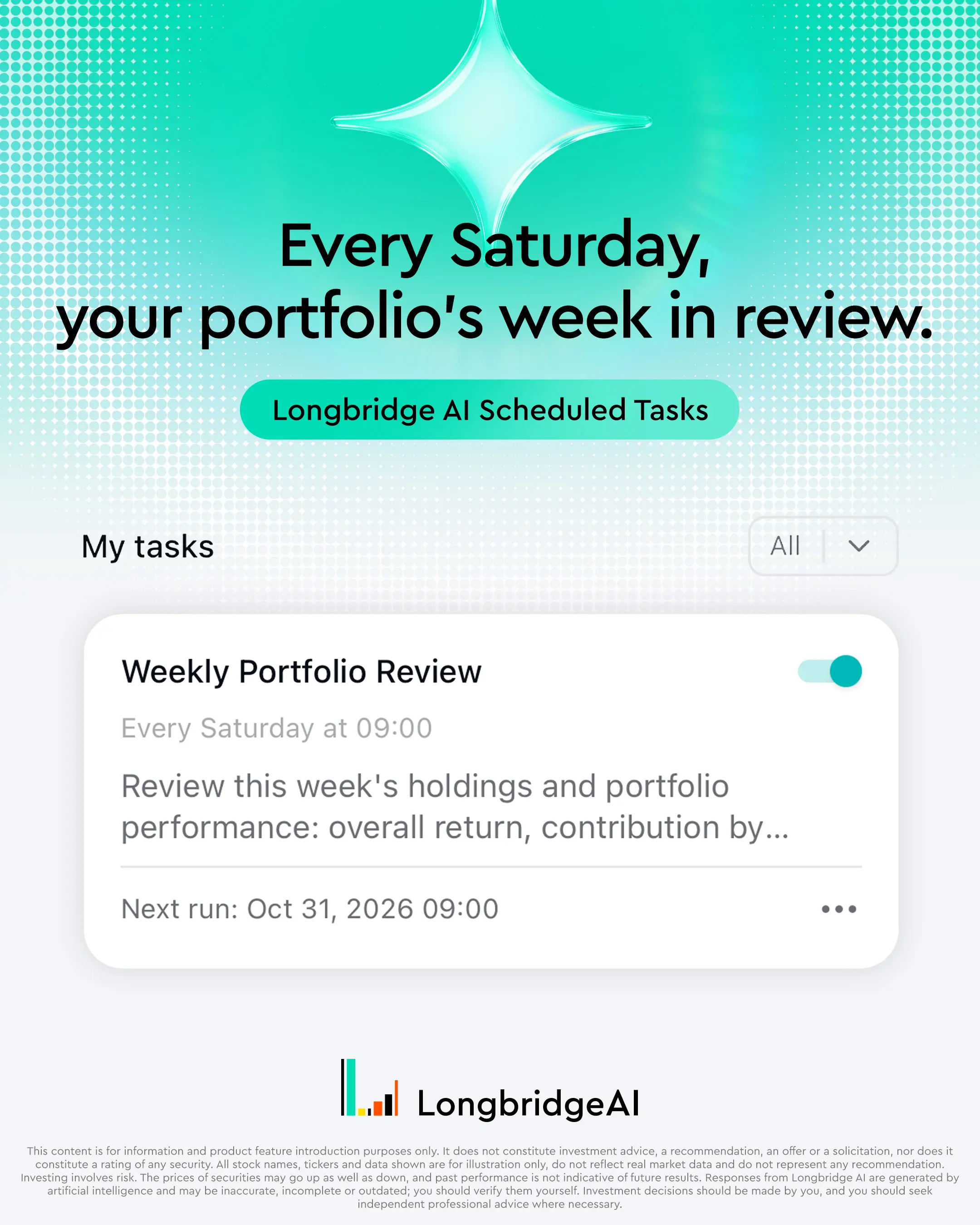
Longbridge AI's "Weekly Portfolio Review" runs once a week and looks back at the week's portfolio performance and key changes.
- What it covers: It looks back at the week's holdings and portfolio performance: overall return, each holding's contribution, changes in position sizes and the effect of the week's key events, among other items. The run time is labelled as Saturday morning.
- Who it suits: Readers who do not need to check holdings every day and prefer one look back each week.
- Worth noting: A weekly review covers the whole week, so details from a particular day can be raised in the conversation.
How Do You Set Up a Scheduled Task?
There are two ways: add a template in one click, or write what you want the AI to do.
- Open "Scheduled" in the sidebar. Under "My tasks", the page lists the tasks you have created with the status of their latest run; under "Try these" are the templates you can add in one click, and "New task" lets you write your own.
- To use a ready-made task, add a template. To define your own, create a task, write what you want the AI to do, then choose a repeat cycle (daily, weekly or monthly) or a market moment (the open, the close and so on). You can also ask the AI to create one in a conversation.
- When creating or editing a task, you can choose the trading account it uses.
- At the set time, Longbridge AI runs automatically and the result arrives through the Message Center; open a task to see its past runs.
Full details are in Longbridge's official LongbridgeAI 1.5 release notes, which include a screenshot of the Scheduled page.
How Can You Describe a Task of Your Own?
Put the market, timing, scope and output requirements into one sentence, and the result is easier to check after each run. The three examples below can be copied as they are, then adjusted to what you follow:
- "At 4.30pm each trading day, summarise the day's price changes and related announcements for the stocks on my watchlist, and state the data source and update time."
- "At 9am every Saturday, review the three biggest movers among my holdings this week and list the related news and announcements."
- "At 9am each trading day, list the companies on my watchlist with new announcements, and state when each announcement was published."
When writing your own, state the exact run time first, so that the task arrives on time. You can also add the market suffix after a ticker (for example .US or .HK) to avoid confusion between similarly named companies, and ask for the time and source of each data point so that figures can be checked against original disclosures. Tasks like these only organise information; any decision you make from them remains your own, after independent research.
How Do Scheduled Tasks Compare With Other Brokers?
On what each broker's official materials describe, Longbridge AI's scheduled tasks stand out on three counts: you write the task yourself, it can run at market moments such as the open and the close, and it is live on both the web version and the App. Other brokers' official materials mostly describe ready-made daily or weekly reports within their own apps.
| Metric | Longbridge AI | Other brokers |
|---|---|---|
| Who sets the task content | You write what you want the AI to do, or use a built-in template | Mostly ready-made daily or weekly reports (such as portfolio, watchlist or single-stock summaries) |
| When it runs | Daily, weekly or monthly, or at market moments such as the open and the close | Daily or weekly |
| Where you use it | Live on the web version and in the App | Within each broker's own app |
These three rows answer three questions you face when using scheduled tasks: what the task says, when it runs and where you use it. Taking them one at a time:
Metric 1: Who Sets the Task Content
With Longbridge AI, you can write the task yourself: which stocks to follow, what kind of output you want and whether to cite sources can all go into one sentence, and the task then runs on schedule. The daily or weekly reports that other brokers describe in their official materials come in a ready-made form, which is convenient; a task you write yourself can follow your own watchlist and output requirements. If what you want to see has its own emphasis, a task you write yourself is the better fit.
Metric 2: When the Task Runs
A Longbridge AI task can run at fixed times on a daily, weekly or monthly rhythm, or follow the market at moments such as the open and the close. For readers whose routine is built around the Hong Kong or US session, that means a task can be set for the moment they actually look at the market. Other brokers' official materials mostly describe reports provided by day or by week.
Metric 3: Where You Use It, and What Multiple Terminals Add
Scheduled tasks are live on the LongbridgeAI web version and in the AI built into the Longbridge App. Other brokers' official materials mostly describe features within their own apps. Having more than one place to use a task makes a practical difference in daily routines:
- Setting up at a desk: When you write or refine a task, the web version's wider page lets you see the tasks you have created, the status of each latest run and every task's past runs together.
- Reading on the move: A result that arrives before the open can be read in the App on your phone, and you can ask a follow-up in the conversation without going back to a desk.
- Looking back at the weekend: The Weekly Portfolio Review is set for Saturday morning, and you can look back at it on the web version together with the task's past runs.
Where to find the feature in the App depends on the version you use. It is also worth noting that the number of tasks and the allowance for Longbridge AI depend on your plan.
What Should You Know About Availability and Limits?
Three things are worth knowing in advance: availability, plans and allowance, and the nature of the results.
- Availability: According to the official release notes, scheduled tasks are open to all users and are live on the LongbridgeAI web version, which is available in Simplified Chinese, Traditional Chinese and English. The AI built into the Longbridge App is now available too.
- Plans and allowance: The number of tasks you can create depends on your plan, and each automatic run uses allowance like a regular question. On the web version, click your account name at the bottom left to see this week's allowance usage in the menu. According to the LongbridgeAI Subscription Plans, monthly allowance is released on a weekly rolling basis and unused weekly allowance does not carry over; plans are tied to your registration region, with Hong Kong users billed in HKD and Singapore users in SGD. The more templates you add and the more often they run, the more allowance they use, so it can help to start with the one or two you check most.
- Nature of the results: Task results are generated by Longbridge AI, are for reference only, and are neither investment advice nor a signal service. According to Longbridge Academy, Longbridge AI's quotes and news may be delayed by several minutes, so for key figures it is wise to check against exchange announcements or original disclosures.
In Short
Asking the same question every day takes little time on any one day, but it adds up and keeps drawing on your attention. Scheduled tasks hand the fixed part to Longbridge AI: the four built-in templates match the morning, pre-open, post-close and weekly rhythms of following the market, leaving your own questions for the one-off ones that need judgement. Before using them, check availability and your plan's allowance, and remember that results are for reference only.
To try it yourself, use LongbridgeAI directly in the Longbridge App or on the web and ask in natural language; where to find the Scheduled page and which templates are available depend on the version you use.
Information about other brokers is drawn from their respective official websites and may change from time to time; please refer to each provider's latest official information.
This article is for general educational and reference purposes only and does not constitute investment advice, a recommendation, or a solicitation to buy or sell any security.
Investing involves risk, and you may lose some or all of your principal. Past performance is not indicative of future results, and the value of investments can go up as well as down. This article does not take into account your personal financial situation, objectives, or needs; please exercise independent judgement and consider seeking advice from a licensed or independent professional financial adviser before making any investment decision.
Product features, availability, and figures referenced in this article were accurate as of the stated verification date (30 October 2026) and may change; please refer to Longbridge's official channels for the most current information. This article is intended for readers in regions where Longbridge's relevant products and services are available; if the laws of your jurisdiction restrict access to this type of content, please follow your local requirements, as nothing here is intended as an offer or solicitation where that would not be permitted. Longbridge has taken reasonable care in preparing this article for reference purposes, but is unable to accept liability for any loss arising from reliance on its content.
The availability, templates and allowance of Scheduled Tasks may vary by region, plan and App version; please refer to Longbridge's official information.
Longbridge's AI-related tools and connectors provide access to market data and account information; they do not generate investment analysis, recommendations, or advice on Longbridge's behalf. AI-generated content may be inaccurate, incomplete, or based on outdated information, and should be independently verified before you rely on it.
Frequently Asked Questions
Related Courses
What Is a Money Market Fund? A Comprehensive Guide to Short-Term Cash Management
Understanding Money Market Funds: How They Work, Portfolio Composition, Risk Considerations, and Key Differences from Term Deposits for Smarter Short-Term Cash Management
What Are the Best Investment Apps in Hong Kong in 2026? A Comparison of 5 Popular Platforms
5 Popular Apps, Compared Fairly
Filing Taxes on U.S. Stock Investments: The Complete Guide to Form 1042-S
A Must-Read for Hong Kong Investors: Understanding Form 1042-S Field by Field, Dividend Withholding Tax Mechanics, and Key Reporting Considerations
How LongbridgeAI Can Help You With Candlestick Analysis
Data handling, and where judgement stays
Tax Loan Arbitrage: How to Calculate Profits, Risks and Opportunities
Tax loan spread: a step-by-step worked example
Longbridge Hong Kong Fees Explained, With Worked Examples
Longbridge Hong Kong Fees Explained