
Shareholders panel and macOS menu bar
Quotes gain a shareholders panel, the macOS menu bar shows your watchlist, and login lets you switch region.
The order form resets after submission
Improve the order placement UI: after an order is submitted
Improvements
- Improve the order placement UI: after an order is submitted successfully, reset the “Quantity” field and disable the “Buy/Sell” button to prevent duplicate orders caused by misreading the state.
Fix for the crash when scrolling today's orders
Fixed a potential crash when scrolling the "Today's Orders"
Improvements
- Fixed a potential crash when scrolling the “Today’s Orders” list.
Shareholders panel and macOS menu bar quotes
Quotes:Added a "Shareholders" panel showing major shareholde
New Features
- Quotes: Added a “Shareholders” panel showing major shareholders and ownership hierarchy, making it easier to analyze changes in the ownership structure.
- Tray: Added a macOS menu-bar feature to view real-time watchlist quotes and today’s P&L, switch groups, and quickly bring up the main window — all without opening the main window.
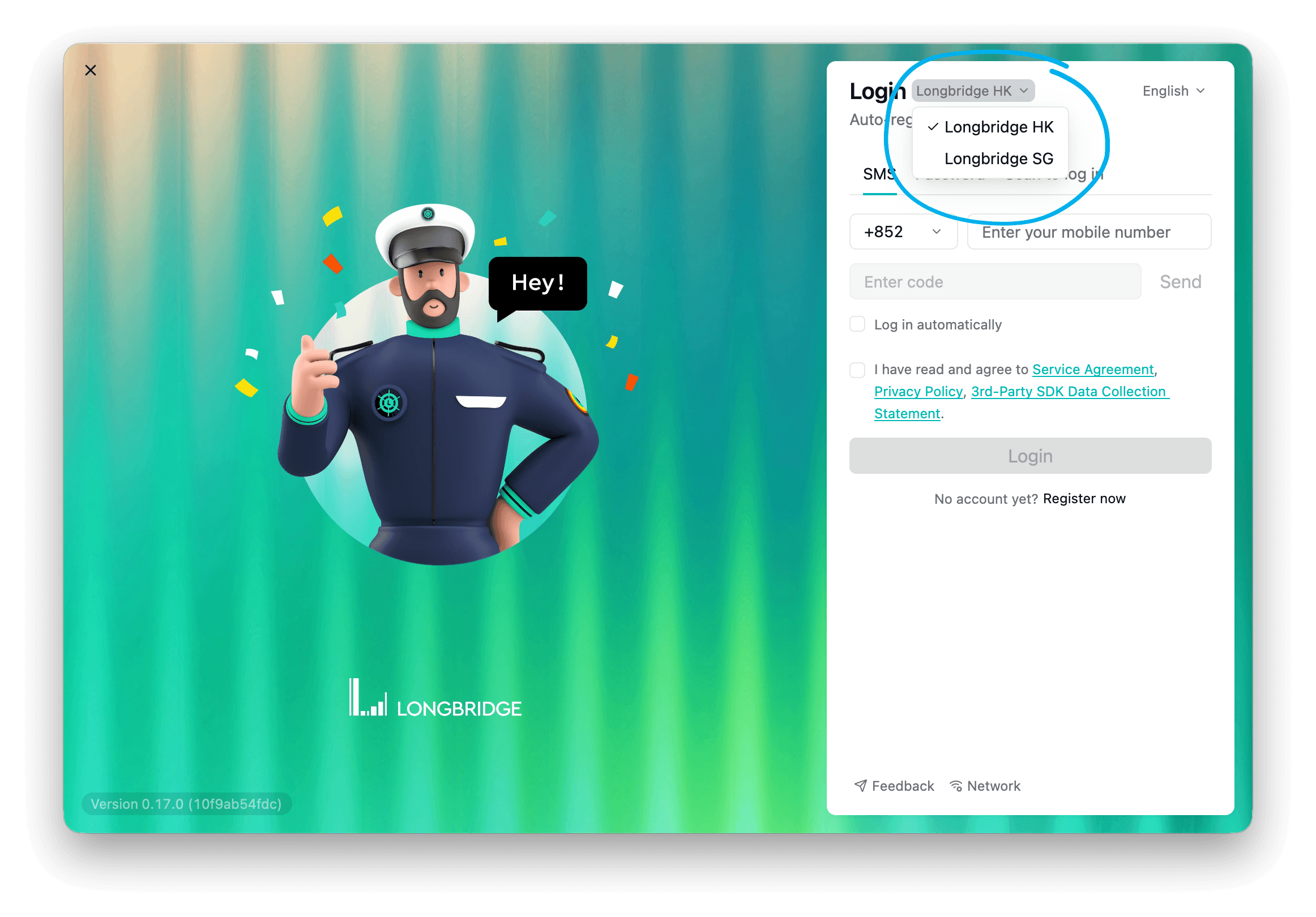
- Login: Added a region selector that dynamically switches between Longbridge HK/SG based on user preference.
Improvements
- Tray: Added a “Close to system tray” option on Windows, letting the app keep running in the background and restore anytime via the tray icon.
- Settings: Added a “Sound” toggle to independently control sound notifications for price alerts, avoiding interruptions outside trading hours.
- Search: Added a “Clear History” feature to wipe previous search records in one click.
- Improved alert/cancellation notifications to show order details (direction, quantity, ticker, price), with trailing stop orders presented in pullback/rebound format.
- Fixed a brief blank flash and color jump when switching heatmap tabs.
- Fixed an issue where the option calculator did not recompute after input values were updated by the market feed or programmatically.