v0.3.0
Release Date: 2025-06-16
New Features
- Global Stock History: Seamlessly switch between stocks across tabs with global browsing history for quick market data access.
- Global Navigation History: Navigate efficiently across tabs with global operation history for streamlined detail viewing.
- Chart Timeframes: Added more time interval options for market charts, enhancing analysis flexibility.
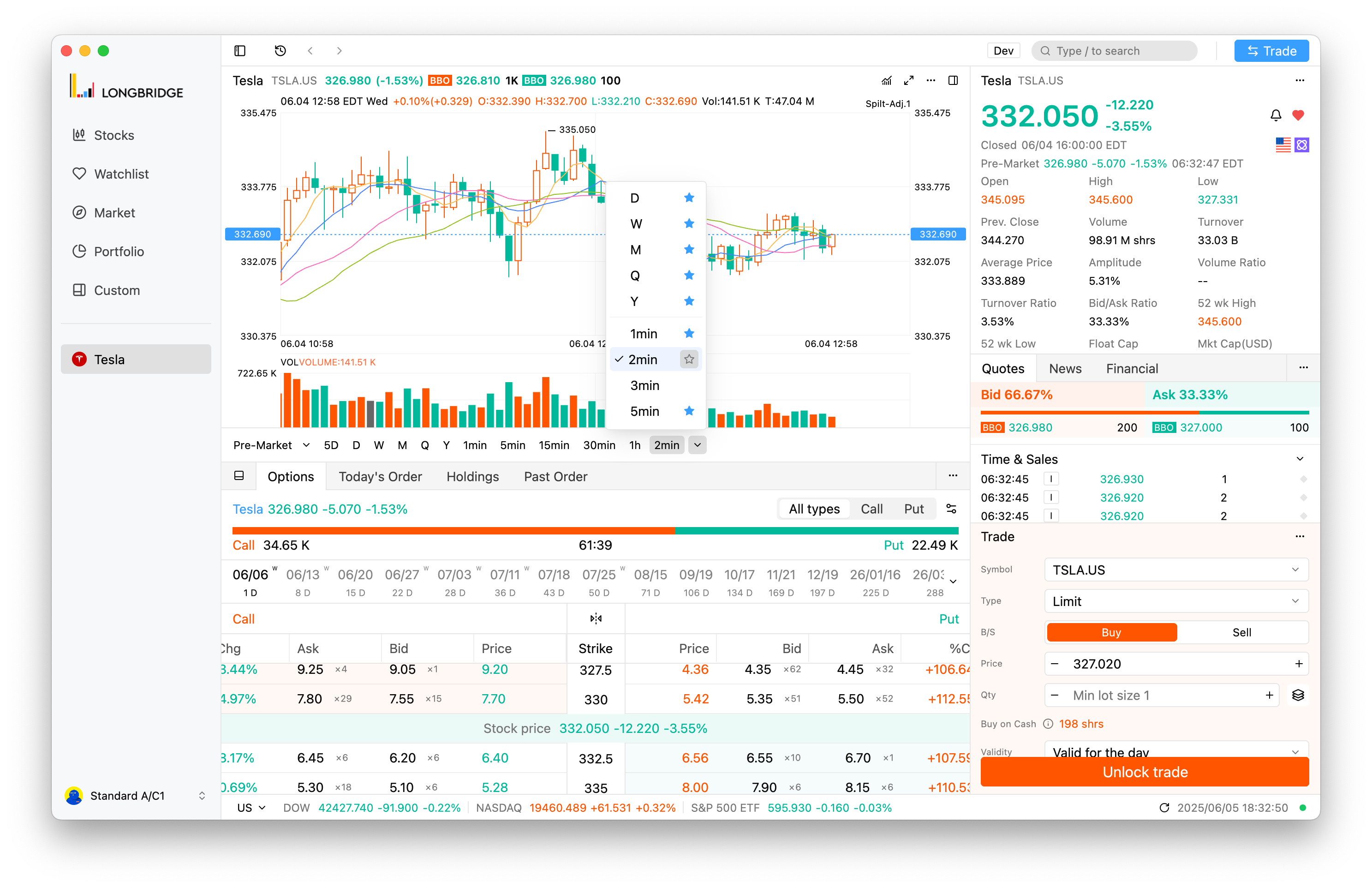
- Cost Price Line: Introduced a cost price line chart to visually compare cost and market prices.
- Quick Trade Button: Added a quick trade button to the main interface for faster trading.
- Market Access Prompt: Added a prompt for upgrading quote data access, ensuring timely data availability.
- Hot Sectors Data: Enhanced market industry list with a load-more feature for broader market insights.
Improvements
- Resolved issue requiring trading password for simulated accounts on first login, improving multi-account experience.
- Auto-hide collapse icon in fullscreen trade window mode for a cleaner interface.
- Optimized global history list and search history styles for clearer information retrieval.
- Improved mouse hover and drag response speed for smoother operations.
- Enhanced chart rendering and indicator settings layout for better performance and usability.
- Fixed information overflow in the About panel on Linux, ensuring accurate display.
- Fixed incorrect range switching after network reconnection, ensuring accurate display.
- Fixed version update status mismatch between About dialog and title bar, ensuring consistency.
- Fixed title bar drag issue on Windows, improving usability.
- Fixed inability to dismiss pop-ups with the
ESCkey, enhancing interaction. - Fixed interface lag and performance issues in certain watchlist usage scenarios.