v0.5.0
Release Date: 2025-08-04
New Features
- Stocks: Optimized the structure of the stock page to enhance navigation smoothness and information retrieval efficiency, providing a more intuitive user experience.
- Chart: Added historical timeline viewing for charts, improving data analysis efficiency.
- Added support for resetting table headers to default settings, simplifying configuration adjustments.
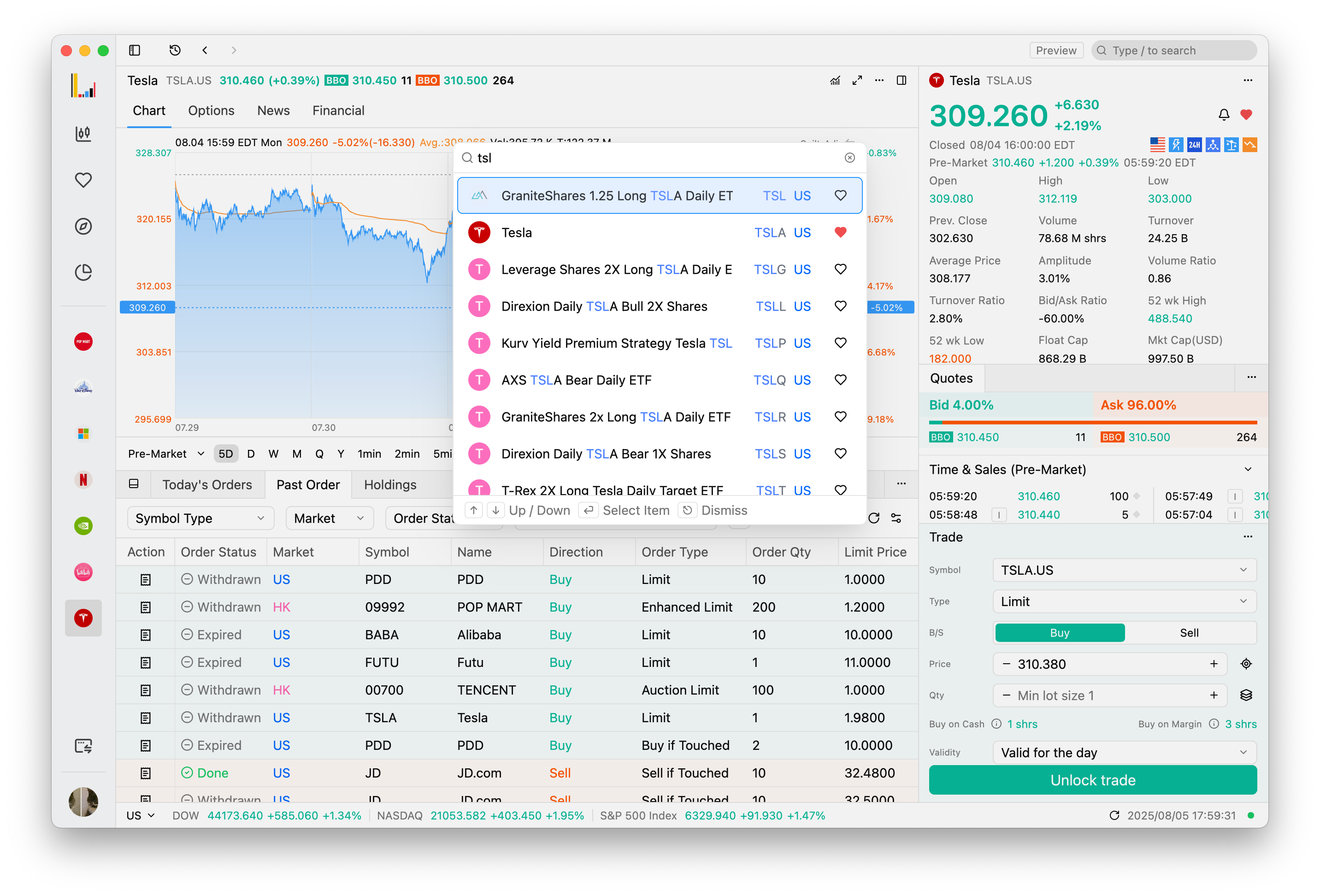
- Enhanced search functionality with keyword highlighting, improving search result visibility and user experience.
Improvements
- Adjusted the default position of the price selector in the trading panel to the center for easier access.
- Enhanced the verification code popup with a refined style, improving visual clarity and user experience.
- Added a minimum width constraint to the chart panel, ensuring better readability and usability during market analysis.
- Integrated individual stock logos in the stock quote panel, enhancing visual recognition.
- Fixed an issue where stock names were not displayed in the global history section for options data, improving data clarity and user experience.
- Resolved a warning issue in the login module, enhancing the reliability of the authentication process.
- Optimized the heatmap to retain tree diagram display based on price range, improving data visualization clarity.
- Improved market data fallback logic to automatically reload reference data, enhancing system reliability.
- Enhanced the display of option and warrant settings modal for better clarity and usability.
- Refined the trigger style of the currency selection menu for improved accessibility.
- Fixed table header border rendering issues to ensure consistent visual appearance.
- Increased padding in the trading panel to expand the content display area.
- Unified list item selection styles across the system for a better visual experience.
- Improved chart option name display for a clearer interface layout.