
New brand logo and custom indicators
A new brand logo, technical indicators you configure yourself, and exports for orders and positions.
Unsupported market tabs are now hidden
Now automatically hides unsupported market tabs, keeping the
Optimized
- Now automatically hides unsupported market tabs, keeping the interface cleaner with only currently available markets visible.
A new login background
Replaced the login background image to enhance the visual ex
Improvements
- Replaced the login background image to enhance the visual experience.
Fix for missing chart indicators
Fixed an issue where chart indicators were not visible.
Improvements
- Fixed an issue where chart indicators were not visible.
Fix for chart indicators not showing
Fix an issue where chart indicators might not be displayed d
Improvements
- Fix an issue where chart indicators might not be displayed during initialization.
Fixes for the Windows verification code crash and watchlist
Fixed a potential crash on Windows when requesting the verif
Improvements
- Fixed a potential crash on Windows when requesting the verification code.
- Fixed an issue where double-clicking in the “Watchlist” panel did not open the stock details.
New brand logo and custom indicators
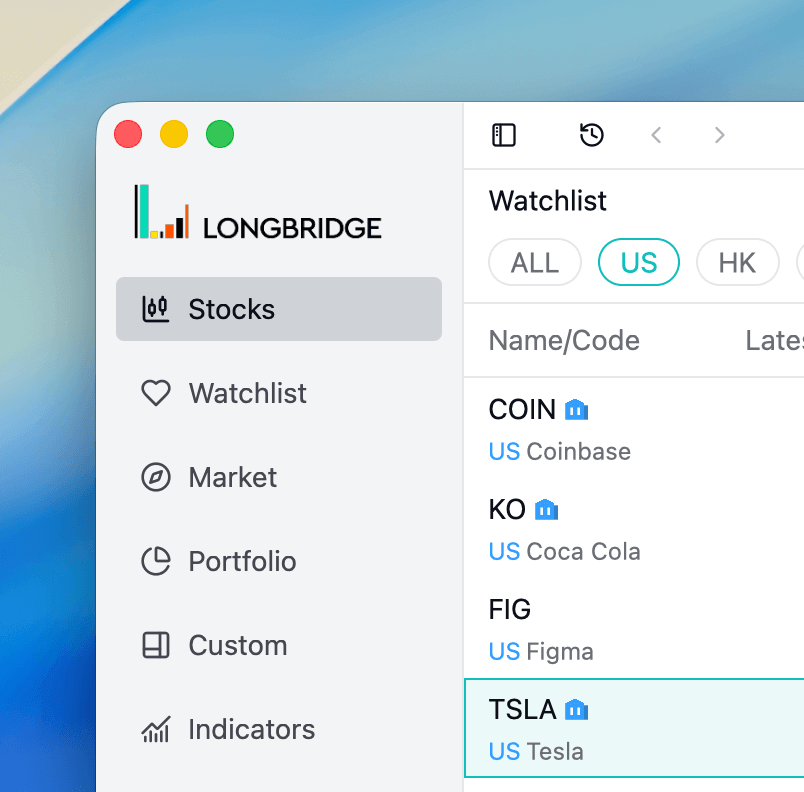
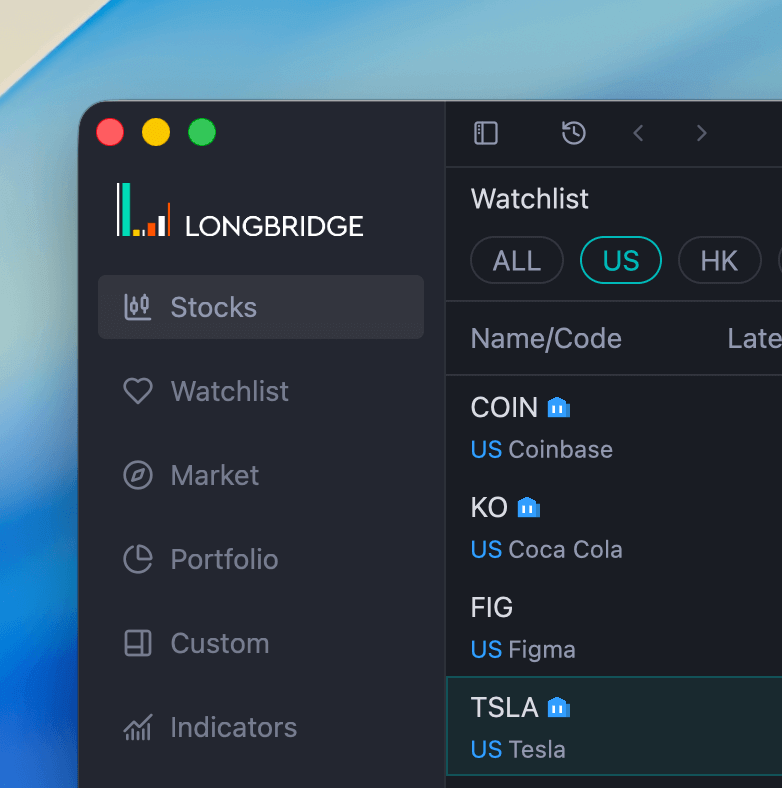
New brand logo.
New Features
-
New brand logo.
-
Indicators: Support for custom technical indicator configuration and editing.
- Chart: Optimized indicator loader with support for “Parameter” and “Style” settings.
- Assets: Added “Cash Balance” panel.
- Added export functionality for “Orders” and “Holdings”.
Improvements
Trading
- Enhanced trading keyboard operation experience with support for keyboard shortcuts.
- Improved trade notification experience - notifications now only push to the currently active window to avoid duplicates.
- Added auto-refresh functionality for “Today’s Orders” to prevent possible delays in order updates caused by push anomalies.
- Added default status filter for “Historical Orders”, defaulting to “Filled” status.
- Fixed incorrect display of estimated trade amount information.
Quotes
- Fixed issue where option chart prices might not update when prices change.
- Removed current account order filter option from portfolio panel.
Portfolio
- Adjusted minimum width of assets sidebar.
Other
- Optimized network exception handling to prevent unexpected logouts.
- Fixed issue where table settings reset functionality was not working.
- Unified neutral color display in analysis module.
- Heatmap optimization with adjustments to some style details and hover border styles.
- Auto-update optimization now uses progress circle to display download progress.
- Fixed issues with retrieving some system configurations.
- Fixed incorrect color display for special trading status price changes.