
Chart drawing tools and watchlist groups
Draw on charts, organize the watchlist into your own groups, and read analyst views on any stock.
Fix for the order book not updating
Fix an issue where the market "Order Book" might not update.
Improvements
- Fix an issue where the market “Order Book” might not update.
Fix for delayed order status updates
Fix the issue where order status updates may be delayed.
Improvements
- Fix the issue where order status updates may be delayed.
Chart drawing tools and watchlist groups
Chart::Added drawing tools functionality.
New features
- Chart: Added drawing tools functionality.
- Watchlist: Added support for custom groups.
- Browser Window: A new browser window feature module for opening various web pages, and added support for multiple tabs.
- Stock Detail: Added analyst opinions.
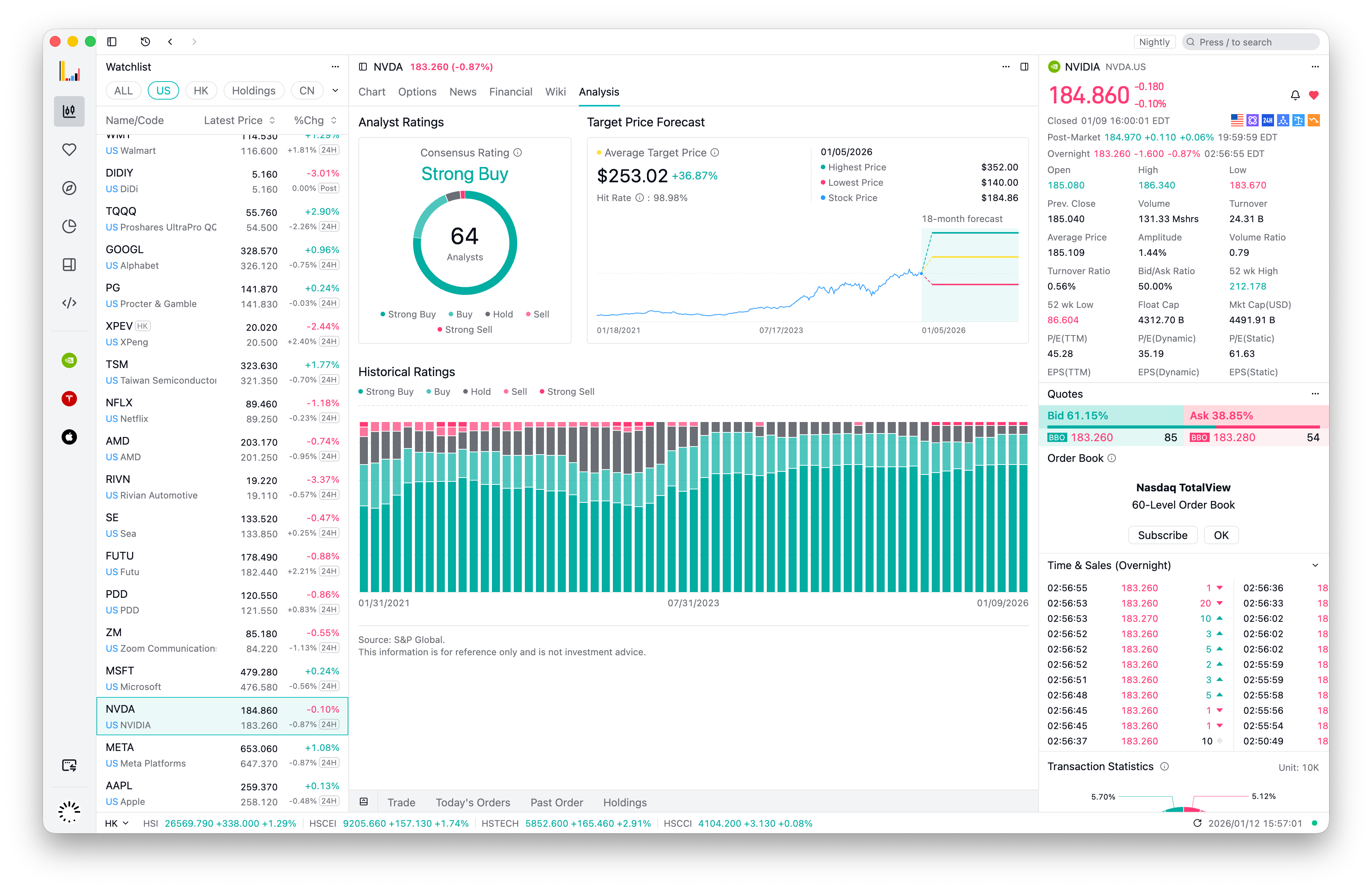
- Stock Detail: Financial supports viewing more historical data.
- Holdings: Added holdings detail interface.
Improvements
Trading
- Layout optimization with support for single-column and multi-column adaptive layouts.
- Added support for switching between “Quantity” and “Amount” options when placing orders.
- Adjusted the size of “Confirmation” and “Amount Preview” modal dialogs.
Assets
- Optimized interaction and synchronization mechanism for table custom settings.
- Clicking buy or sell in the “Holdings” table now opens the “Quick Trade” window.
- Improved “Margin Status” interface details.
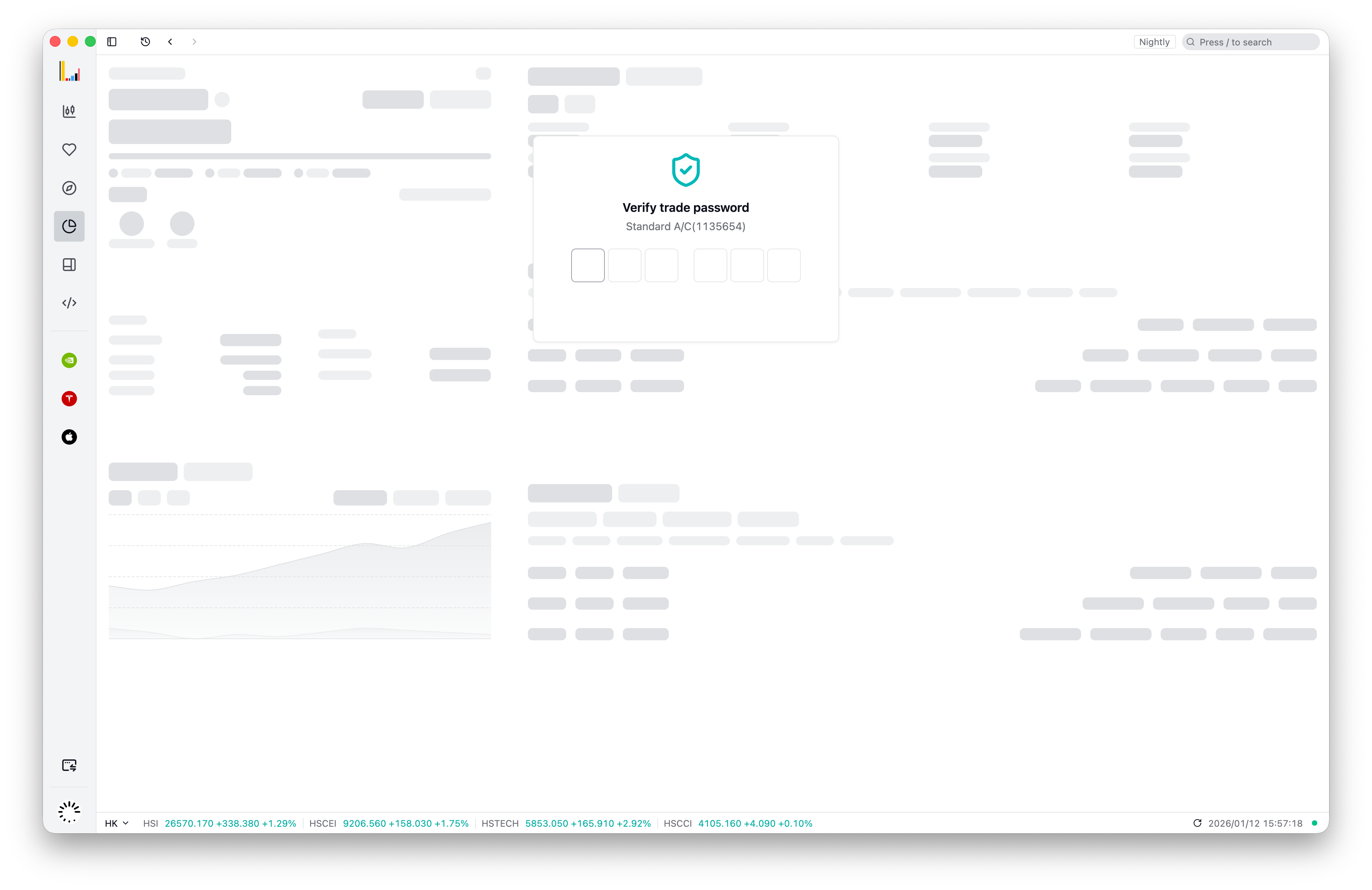
- Optimized interaction and illustration details for account states such as not opened/not funded/trade password not set.
Quotes
- Refresh quote data when quote level changes.
- Added mechanism to refresh quote data when network reconnects.
- Persist “Price Change Color” settings to avoid potential flickering during startup.
- Optimized tier selection for “Bid/Ask” and “Broker Queue”.
Others
- Use monospaced digit font.
Bug fixes
- Fixed crash issue caused by abnormal tab initialization during startup.
- Fixed unexpected text line break in date filter.
- Fixed potential update status anomaly in “Auto Update”.
More financial history for stocks, watchlist groups
Stock Financials shows more historical data, the Watchlist can be organized into groups, and option chains refresh automatically after the network reconnects.
New Features
- Stock “Financials” now supports viewing more historical data.
- Added group management for the “Watchlist”.
Improvements
- Option chains now auto-refresh after the network connection is restored.
- Optimized trade form rendering to avoid visual jitter.
- Fixed an issue where the client could not restart correctly after logging out in a WebView.
- Fine-tuned style details of the depth view.
- When price pushes are received, the chart now updates the data end time.
- Added a refresh function to the browser module and ensured consistent behavior when removing the WebView.
- The P&L trend chart now supports dynamic height adjustment to improve rendering efficiency.
- Fixed an issue where the Action Bar would lose focus after closing a WebView.
- Updated the “Quick Trade” shortcut to cmd+t.
Trade from the holdings panel, US options in pre-market hours
The holdings panel has buy and sell buttons; table column settings are saved and restored, and US options can be traded during pre-market hours.
Optimizations
- Added buy/sell quick trade buttons in the holdings panel, now you can initiate trades directly from the holdings panel.
- Optimized table column settings persistence, your table settings will be saved and automatically restored when you open it next time.
- Added support for US options trading during pre-market hours.
- Optimized data accuracy when quote level changes.
- Optimized price update speed in stock charts, now faster and more accurate.
- Fixed the issue where users were not prompted in time when verifying trade password for functions such as deposits/withdrawals and currency exchange.
- Fixed logout failure on Linux or Windows.
Separate windows for deposits, one-click filter by stock
Deposit, Withdrawals, Exchange, and Transaction history can open in their own windows; the orders and holdings panels filter to the current stock in one click.
New Features
Portfolio features support open in window
Portfolio features including “Deposit”,“Withdrawals”, “Exchange” and “Transaction history” now support opening in new windows, improving operational efficiency without disrupting the main window experience.
New Portfolio verify UI
When switching to the “Portfolio” tab for trade password verification or when you haven’t deposited funds or opened an account, a more lightweight tab content will be displayed, optimizing the current experience where multiple panels simultaneously show redundant verification information.
Quick get stock orders and holdings info
Now supports clicking the stock button in the top-right of panels such as “Today’s Orders”, “Past Orders” and “Holdings”. Filter out the corresponding orders and holdings for a specific stock with one click, optimizing the current multi-step process to access stock information.
Other Improvements
- Enhanced order filtering with quick options switching between stocks and options, allowing users to toggle more efficiently.
- Optimized the display of quote panels on small screens, maintaining minimal display space and preventing content compression.
- “Portfolio” > “Today’s Statistics” now supports crypto accounts.
- Fixed issues causing abnormal app exits on Linux systems in certain scenarios.
- Fixed market order history price display issues in order details.